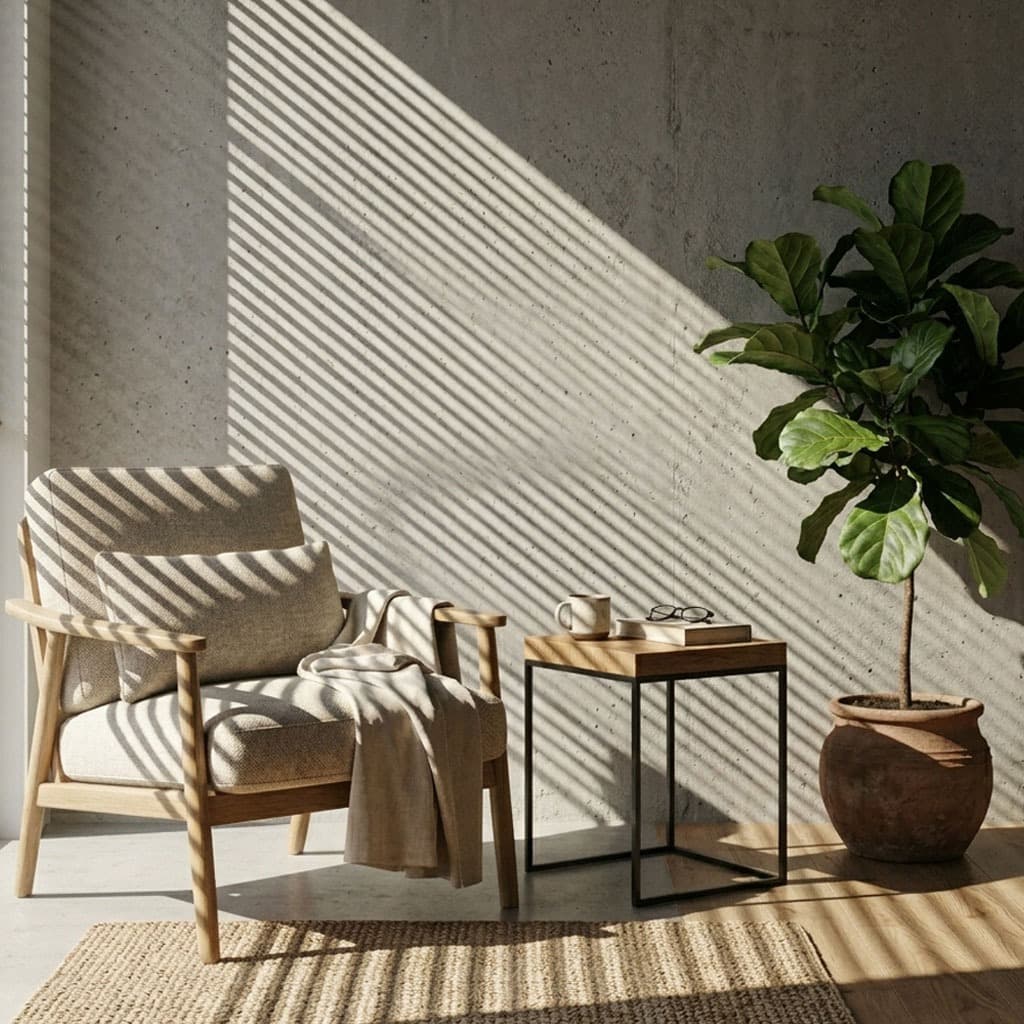
If your 3D renders feel flat or "CG", lighting is almost certainly the culprit. Cinematic light is messy, obstructed, and chaotic. By mastering gobo projection, you can introduce this beautiful chaos into your scenes. Here are 10 essential gobo lighting techniques used by industry professionals.
1. The "Implied Off-Screen Space"
The golden rule of cinematic lighting: the world shouldn't end at the edge of the frame. Use a gobo (like a tree or a chainlink fence) to cast a shadow from off-camera. This tricks the viewer's brain into believing the environment continues indefinitely.
2. The Classic Window Slash
Projecting a sharp slice of light through Venetian blinds across a character's eyes is a hallmark of film noir. It directs focus, adds mystery, and breaks up flat facial lighting.
3. Dappled Forest Lighting
Instead of a solid sun lamp, project a high-resolution nature gobo downward onto your terrain. The broken patches of light and shadow mimic a dense forest canopy.
4. Combining Gobos with Volumetrics
When a gobo is projected through a volumetric fog or VDB volume, the unblocked light rays become visible. This is the secret to creating awe-inspiring "God Rays" in Houdini or Blender.
5. Chromatic Aberration on Gobo Edges
In practice, glass lenses split light at the edges. By adding a slight RGB split (chromatic aberration) to the edges of your gobo texture, you can simulate an optical projector lens, significantly boosting realism.
6. The "Cyberpunk" Neon Grating
For sci-fi scenes, project abstract geometric patterns or ventilation grates using brightly colored (pink, cyan, neon green) emission lights. This adds instant technological texture to smooth metallic surfaces.
7. Soft vs. Hard Shadow Contrasts
Create depth by contrasting sharpness. Have one gobo light very far away with a small radius (creating sharp, distinct shadows), and another gobo light closer with a large radius (creating a hazy, soft gradient).
8. Colored Stained Glass Effects
Gobos don't have to be grayscale. Use an EXR gobo containing color data to simulate light passing through a stained-glass window, painting the floor with vibrant hues.
9. Breaking Up the Fill Light
A fill light is meant to lift shadows, but a perfectly even fill can look artificial. Apply a very subtle, low-contrast noise gobo to your fill light to introduce micro-variations in the ambient illumination.
10. Animated Caustics for Products
For luxury product renders (like perfume or watches), project an animated, slowly undulating water caustic gobo onto the backdrop. It adds a premium, hypnotic quality to the presentation without complex fluid simulations.
Less is more. Don't use all 10 techniques in one scene. Pick one or two to establish your primary mood.
Ready to try these techniques? Download the GoboVault free tier to get 25 premium, production-grade gobos and start rendering cinematic lighting today.