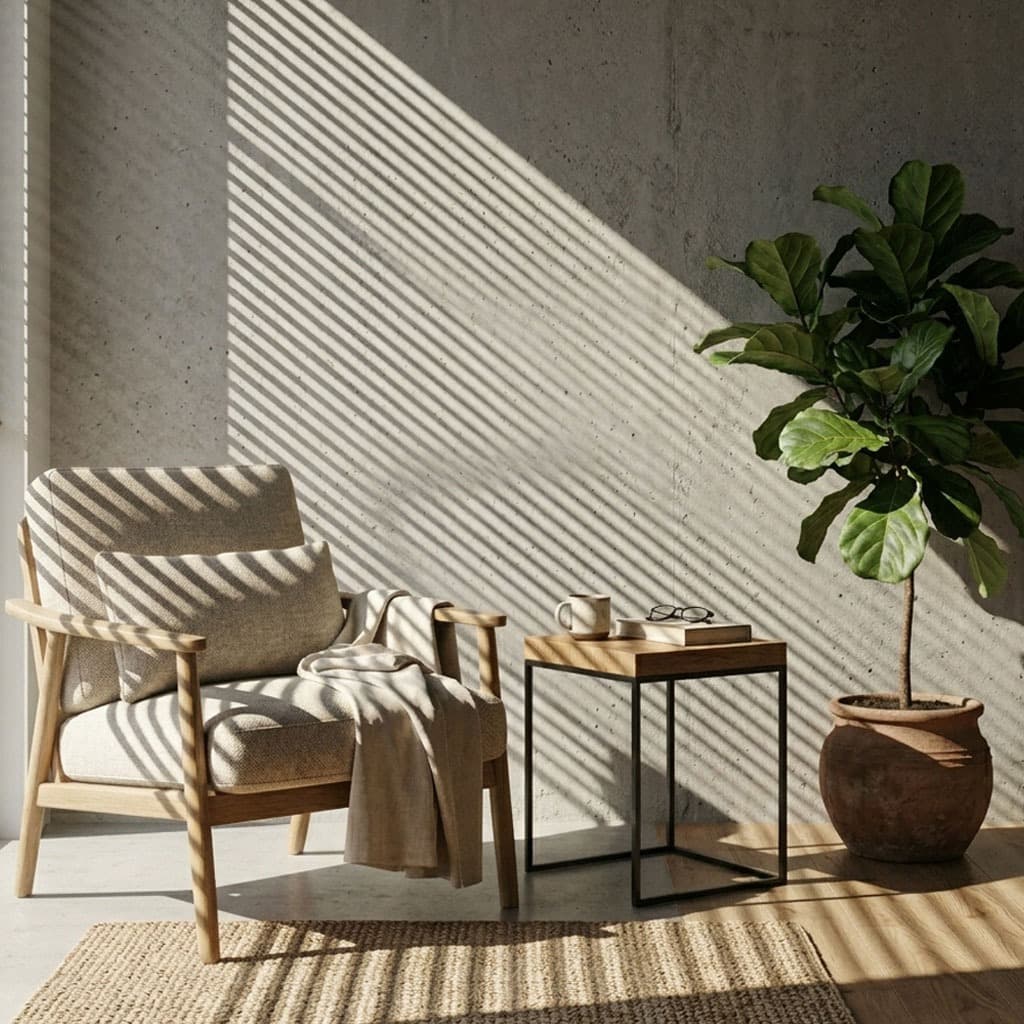
In the world of Architectural Visualization (ArchViz), 3ds Max reigns supreme. Rendering engines like V-Ray and Corona deliver staggering photorealism, but ArchViz scenes can often feel sterile. To inject life, atmosphere, and a sense of environment into your interior renders, you need gobos.
The V-Ray Workflow in 3ds Max
V-Ray handles gobos natively through its light projection settings. Here is how to set up a cinematic window cast:
- Create a VRayLight and set the Type to Plane or Spot. A Spot light is generally easier to control for sharp shadow projections.
- Select the light and navigate to the Modify panel.
- Scroll down to the Options rollout and check the box for Directional if you are using a Plane light. Increase the directional value to focus the beam.
- In the Texture slot (often found under the General or Advanced rollout depending on your V-Ray version), click to add a map and choose VRayBitmap.
- Load your high-resolution gobo from the GoboVault library.
The Corona Renderer Workflow
Corona is beloved for its simplicity and highly accurate results. Using gobos in Corona is incredibly straightforward:
- Create a CoronaLight in your 3ds Max viewport. Set the shape to Rectangle or Disk.
- In the Modify panel, set the Directionality to a high value (e.g., 0.8 or 0.9) to ensure the light rays travel relatively parallel.
- Scroll down to the Emission section. Next to Color, click the map button and load a standard Bitmap or CoronaBitmap.
- Select your gobo texture file. That's it! Corona will instantly begin projecting the pattern.
ArchViz Specific Tips: Scaling and Tiling
One common issue ArchViz artists face is incorrect gobo scaling. If you apply a gobo of a tree branch, and the resulting shadow is larger than the house itself, it breaks realism.
- Avoid Tiling Artifacts: In your Bitmap/VRayBitmap settings, ensure that Tile is turned off (unless you are using a seamless gobo and specifically want to tile it).
- Adjusting Softness: In both V-Ray and Corona, the physical size of the light emitting the gobo dictates shadow softness. For crisp, sharp window blinds, make the light fixture small. For soft, hazy morning light, increase the light's width and length.
When doing an interior day-shot, place your gobo-equipped light outside the main window, but do not rely on it for your overall ambient light. Use an HDRI for the ambient sky fill, and use the gobo light strictly as a direct, high-intensity "sun" punch.
Give your ArchViz renders the cinematic edge they deserve. Download the GoboVault free tier today and start experimenting with premium window and foliage gobos.