When striving for photorealism in 3D rendering, flat lighting is the enemy. To break up digital perfection, artists rely on two primary techniques: Gobos and IES light profiles. But what exactly is the difference, and when should you use each? Let's dive in.
The Short Answer
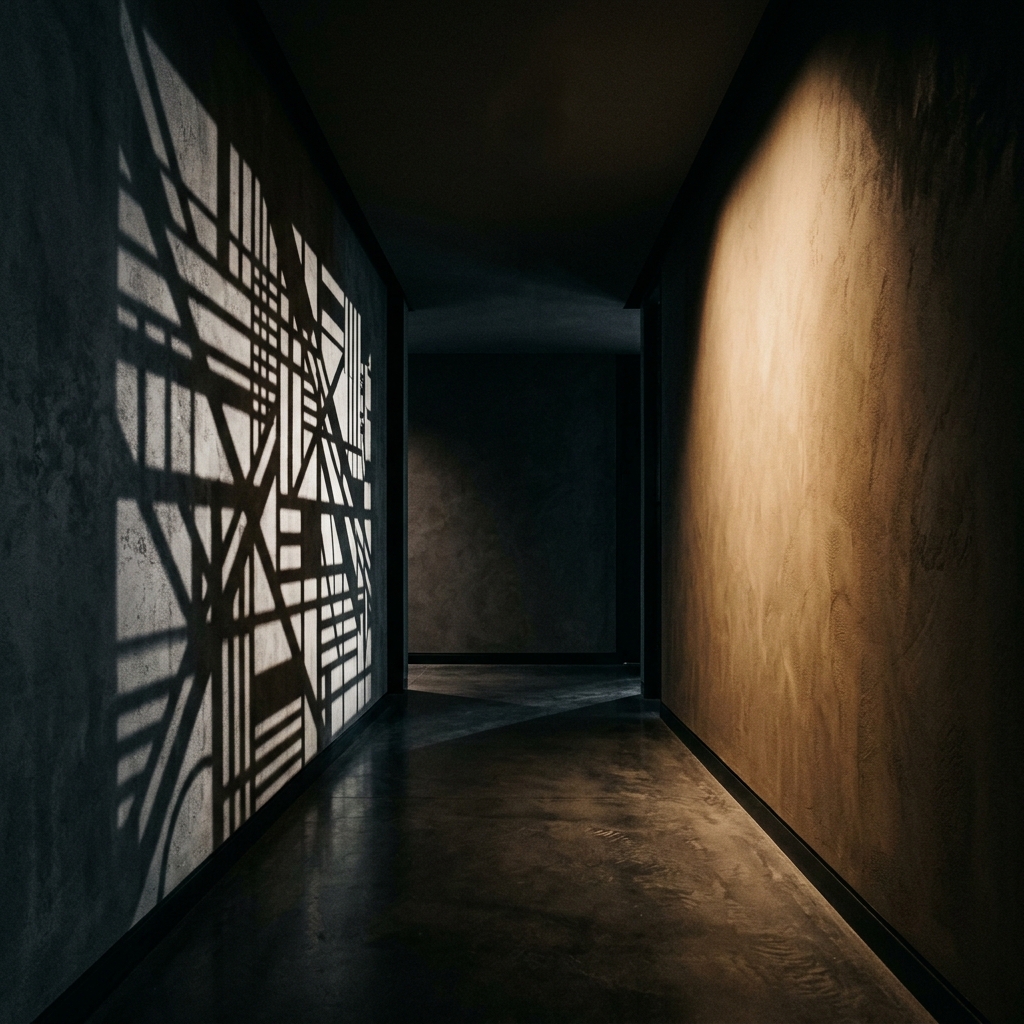
An IES profile contains intensity data that dictates the exact shape and intensity throw of a specific light bulb fixture. A Gobo is a texture mask placed in front of a light to block or color it, projecting a shadow or pattern (like a window or tree) into the environment.
Deep Dive: IES Profiles
IES (Illuminating Engineering Society) files are digital footprints of light bulbs. Manufacturers measure how light disperses from their bulbs and save this data into an .ies file. When loaded into a 3D light source, the render engine recreates the complex web-like pattern that the bulb casts.
Use Cases: Architectural visualization (ArchViz), interior design, placing specific sconces, downlights, or street lamps.
Deep Dive: Gobos
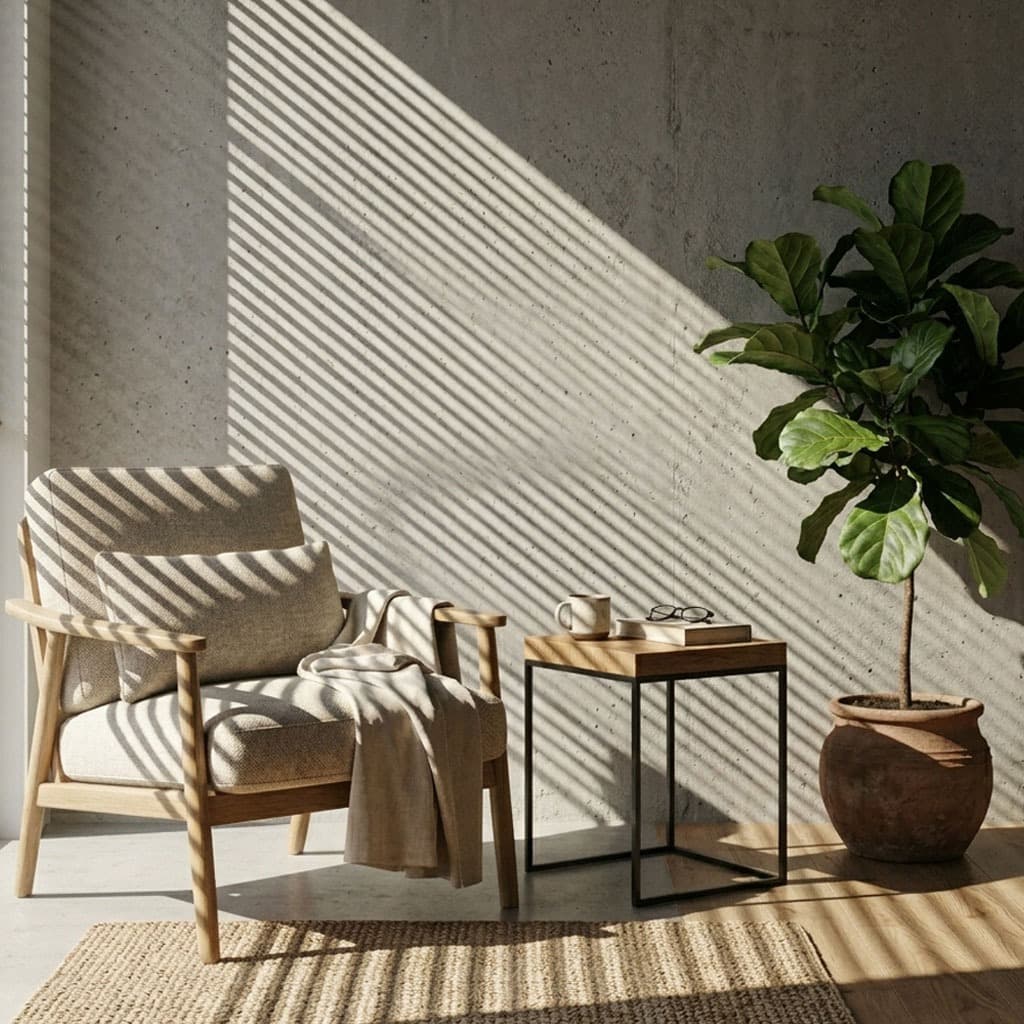
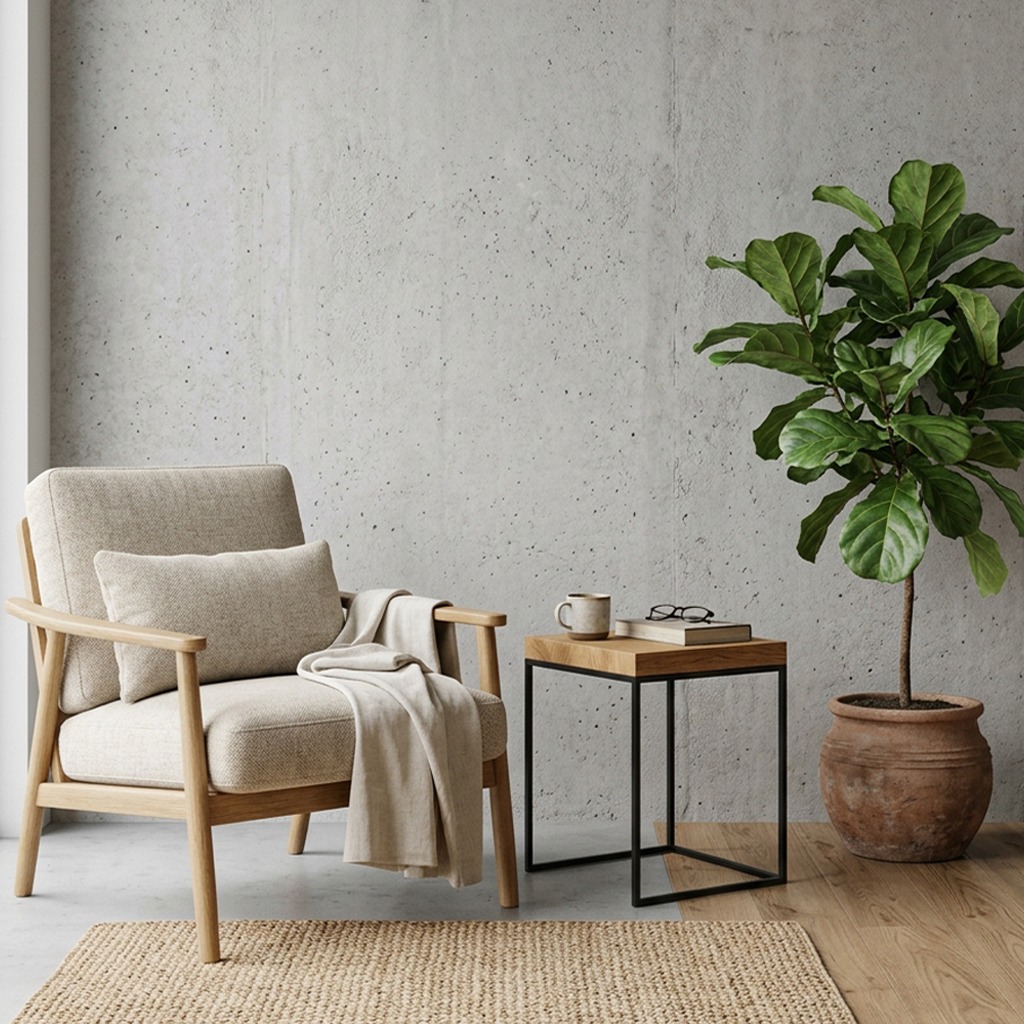
Gobos are about environmental storytelling. While an IES file shapes the bulb itself, a gobo represents the objects between the light source and the subject. If you want sunlight filtering through leaves, or a cinematic slash of light passing through Venetian blinds, you need a gobo.
Use Cases: Cinematic character lighting, simulating off-camera windows, creating dappled forest light, casting abstract caustics.
Comparison Summary
| Feature | IES Profile | Gobo Texture | | :--- | :--- | :--- | | **Data Type** | Intensity data (.ies) | High-res image mask (PNG/EXR) | | **Primary Goal** | Simulate a specific bulb/fixture | Cast shadows and environmental patterns | | **Use Case** | Architectural downlights/sconces | Windows, trees, abstract shapes | | **Artistic Control**| Rigid | Infinite (can be scaled, colored, and animated) |Combining Gobos and IES Lights
For ultimate realism, these techniques are often combined. Imagine rendering an old, dusty warehouse at night. You might use an IES profile on the ceiling lamps to get the accurate bulb throw on the walls, and then place a massive Spot Light outside the warehouse equipped with a grate gobo to cast moonlight patterns across the floor.
Do not use a gobo to simulate the webbed pattern of a light bulb against a wall. Always use an IES profile for fixture accuracy, and reserve gobos for shadows and environmental break-up.
Ready to master environmental storytelling? Download the GoboVault free tier to access premium gobo textures and start shaping your light today.