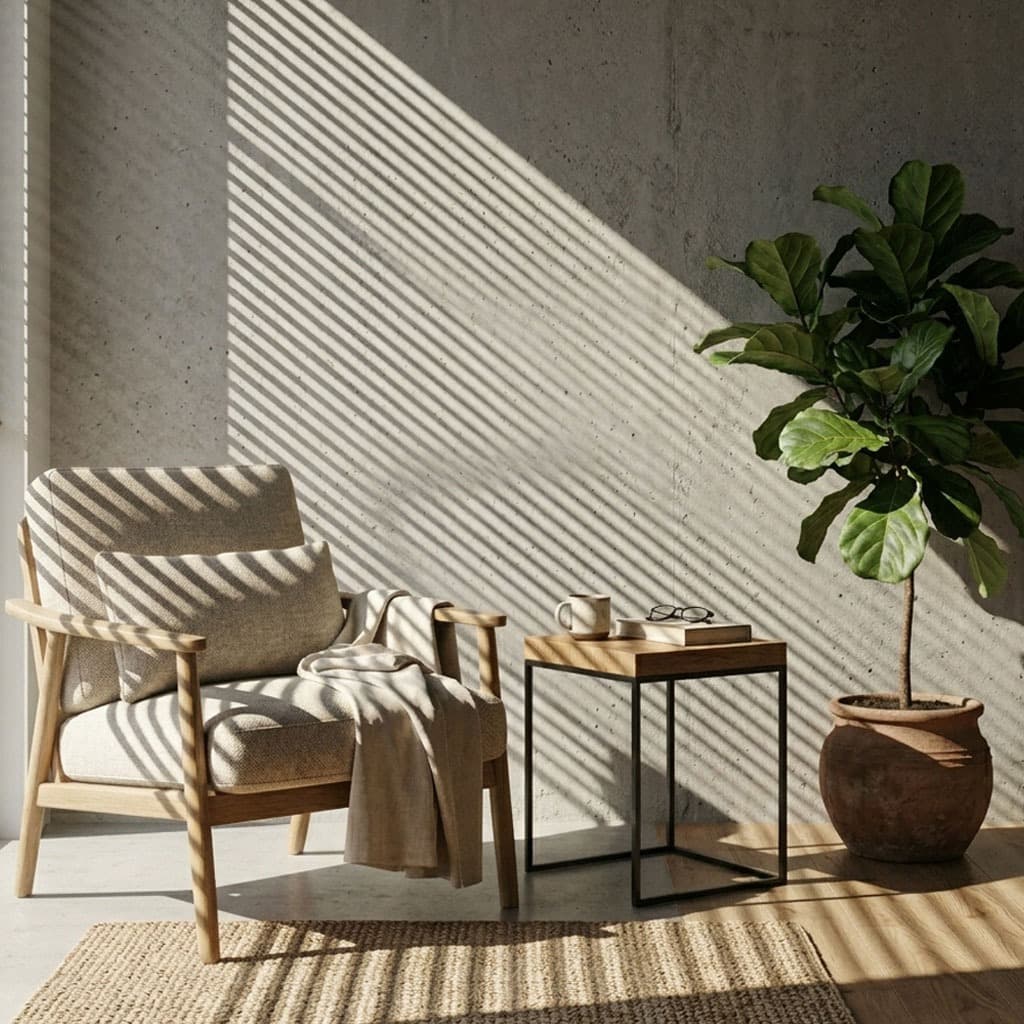
Creating realistic window light is one of the most sought-after cinematic lighting techniques in 3D rendering. Whether you are aiming for a moody film noir detective office or a bright, airy architectural interior, faking window light with gobos is the industry-standard workflow.
The Core Setup: Angle and Distance
To fake a window effectively, you must understand how light behaves. Powerful light sources cast long, distinct shadows.
- Place a Spot Light or a directional Area Light far outside your scene, pointing inwards.
- Load a window gobo texture into the light's texture slot.
- Angle the light downwards (typically 30 to 45 degrees) to simulate morning or afternoon sun.

Achieving Realistic Softness
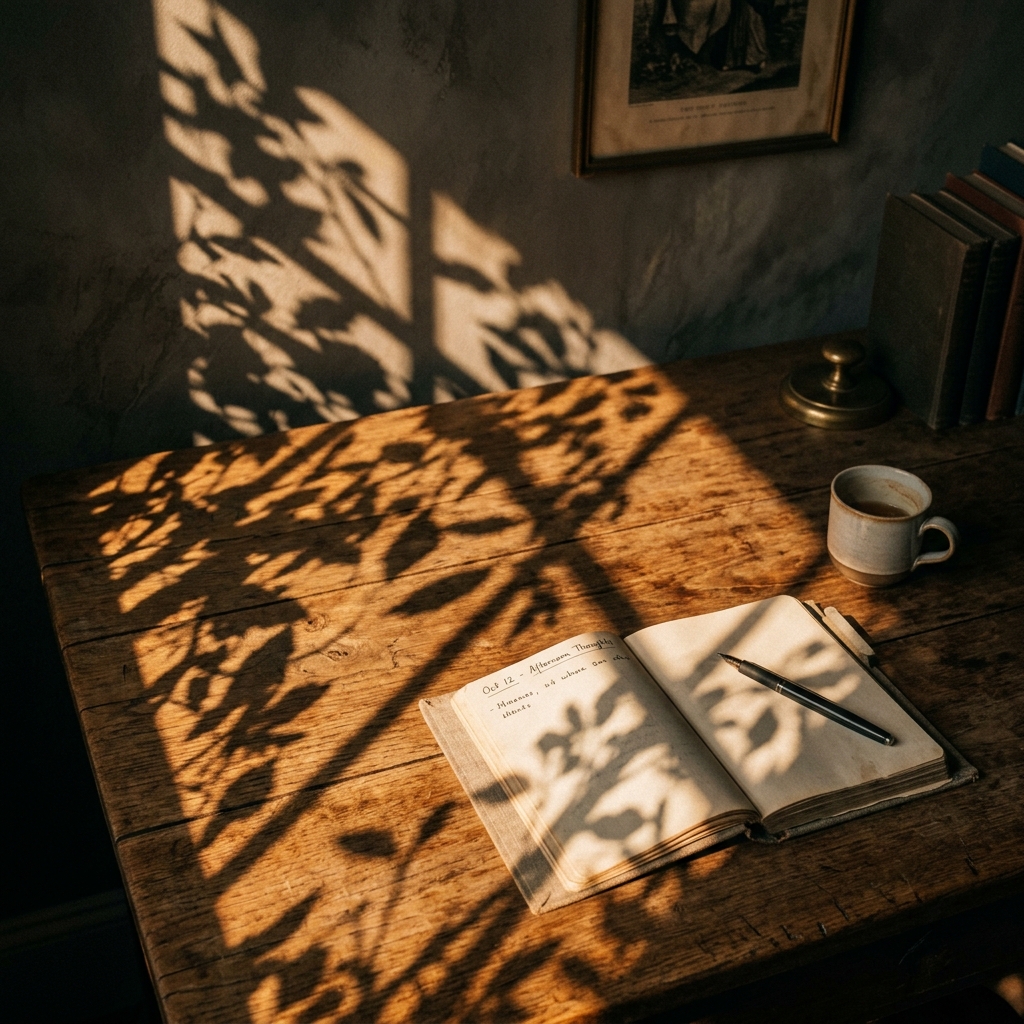
The most common mistake artists make is leaving their gobo shadows razor-sharp. In reality, the edges of shadows soften as the distance between the shadow-casting object (the window) and the surface (the floor or wall) increases.
To achieve this realistic softness, you must adjust the Size or Radius of your light source. A tiny, point-sized light will create harsh, artificial edges. By increasing the radius of the light emitter, the shadow edges will naturally diffuse, creating a beautiful, photorealistic penumbra effect.
If your shadows are too sharp, make the light source larger. If your shadows are so blurry you can't distinguish the window pattern, make the light source smaller.
Color Temperature and Mood
The color of your window light drastically dictates the mood of the scene:
- Midday Daylight: Set your light to around 5600K (Kelvin) or a very pale, crisp blue.
- Golden Hour: Drop the temperature to 3200K - 4000K for rich, warm, golden oranges.
- Night/Moonlight: Push the temperature up to 8000K - 10000K for a deep, cinematic, desaturated blue.
Layering Textures
For ultimate realism, window light is rarely just the window frame. It is often obstructed by overlapping elements. Consider using a gobo that features a window frame, but also includes the silhouettes of tree branches or curtains. This layered complexity tricks the eye into believing there is an entire world existing just outside the camera frame.
Explore the dedicated Windows category in the GoboVault library to find the perfect cinematic window masks for your next render.