
Back to Library
GoboVault
🪟 Windows & Architecture · Arched Windows
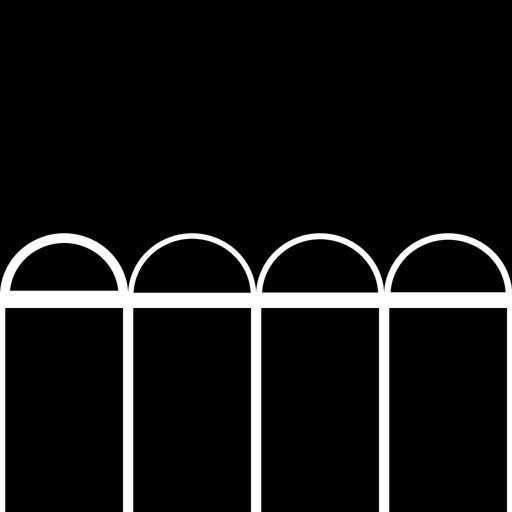
Single Arched Window Pane
windowarchpanearchitecturegeometric
Free TierRequires Blender Add-on
This gobo is included in the free tier. Download the GoboVault Add-on to apply it instantly to any light in your scene.
How to use in Blender:
- Install the GoboVault Add-on.
- Select any Spot, Point, or Area light.
- Open the GoboVault panel (N-panel).
- Search for "Single Arched Window Pane" and click Apply.
More 🪟 Windows & Architecture Gobos
GoboVault
🪟 Windows & Architecture
Premium
GoboVault
🪟 Windows & Architecture
Premium
GoboVault
🪟 Windows & Architecture
Free
GoboVault
🪟 Windows & Architecture
Premium