
Back to Library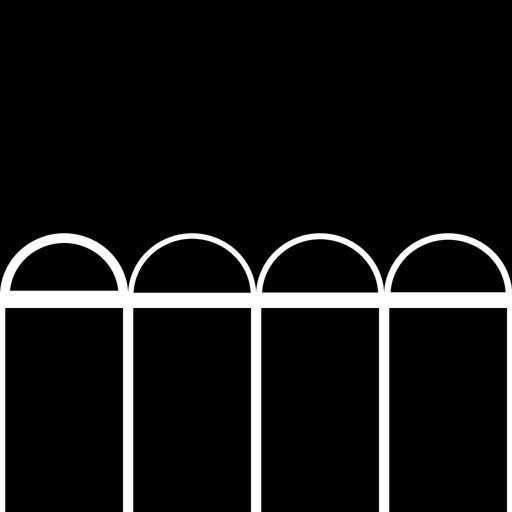
GoboVault
🪟 Windows & Architecture · Arches
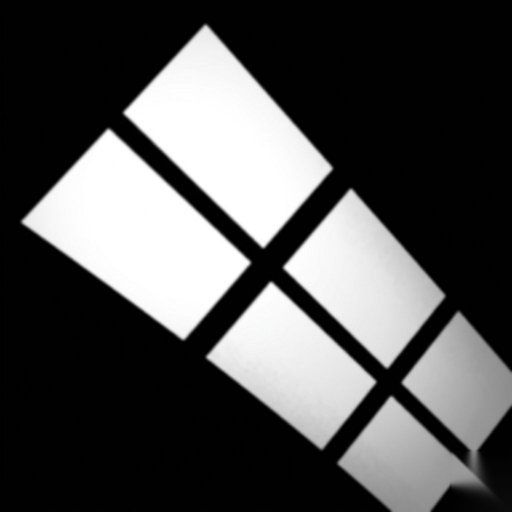
Multiple Roman Arches
archeswindowsopeningsarchitectureroman
PremiumRequires Blender Add-on
This studio-grade gobo is part of our Pro library. Upgrade to unlock all 356+ patterns in 2K native and up to 4K upscaled resolution (standard is 2K, 4K is upscaled from 2K).
How to use in Blender:
- Install the GoboVault Add-on.
- Select any Spot, Point, or Area light.
- Open the GoboVault panel (N-panel).
- Search for "Multiple Roman Arches" and click Apply.
More 🪟 Windows & Architecture Gobos
GoboVault
🪟 Windows & Architecture
Premium
GoboVault
🪟 Windows & Architecture
Free
GoboVault
🪟 Windows & Architecture
Premium
GoboVault
🪟 Windows & Architecture
Free