
Back to Library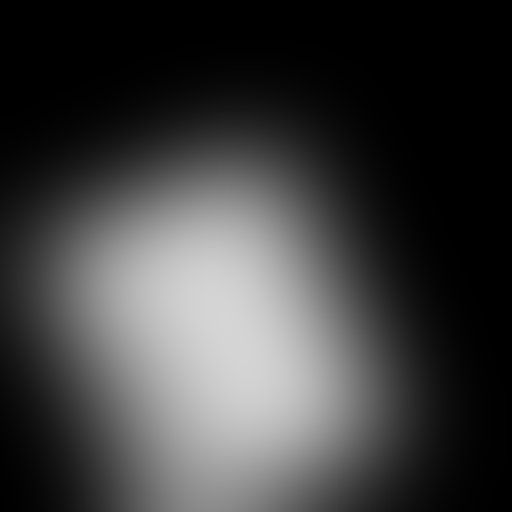
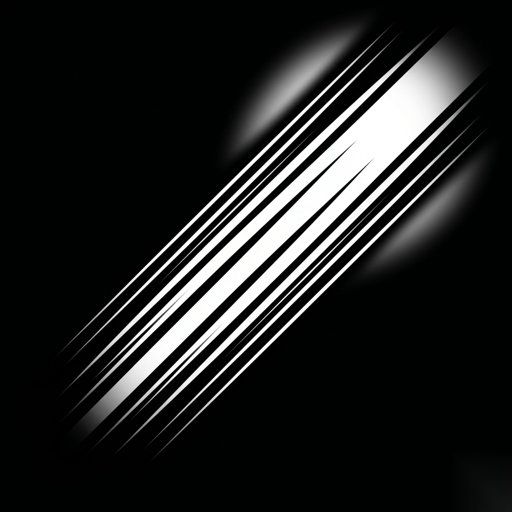
GoboVault
🎬 Studio & Stage Lighting · Soft Spots
Bottom Center Soft Spill
soft lightspillcenterblurgradient
Free TierRequires Blender Add-on
This gobo is included in the free tier. Download the GoboVault Add-on to apply it instantly to any light in your scene.
How to use in Blender:
- Install the GoboVault Add-on.
- Select any Spot, Point, or Area light.
- Open the GoboVault panel (N-panel).
- Search for "Bottom Center Soft Spill" and click Apply.
More 🎬 Studio & Stage Lighting Gobos
GoboVault
🎬 Studio & Stage Lighting
Free
GoboVault
🎬 Studio & Stage Lighting
Premium
GoboVault
🎬 Studio & Stage Lighting
Free
GoboVault
🎬 Studio & Stage Lighting
Premium